“Where’s that from?” Now you’ll know.
Upload a photo or a screenshot — or paste an image link — and Drezily’s visual search looks at the cut, color, pattern and texture to find the piece or the closest matches across stores.
Search with a photo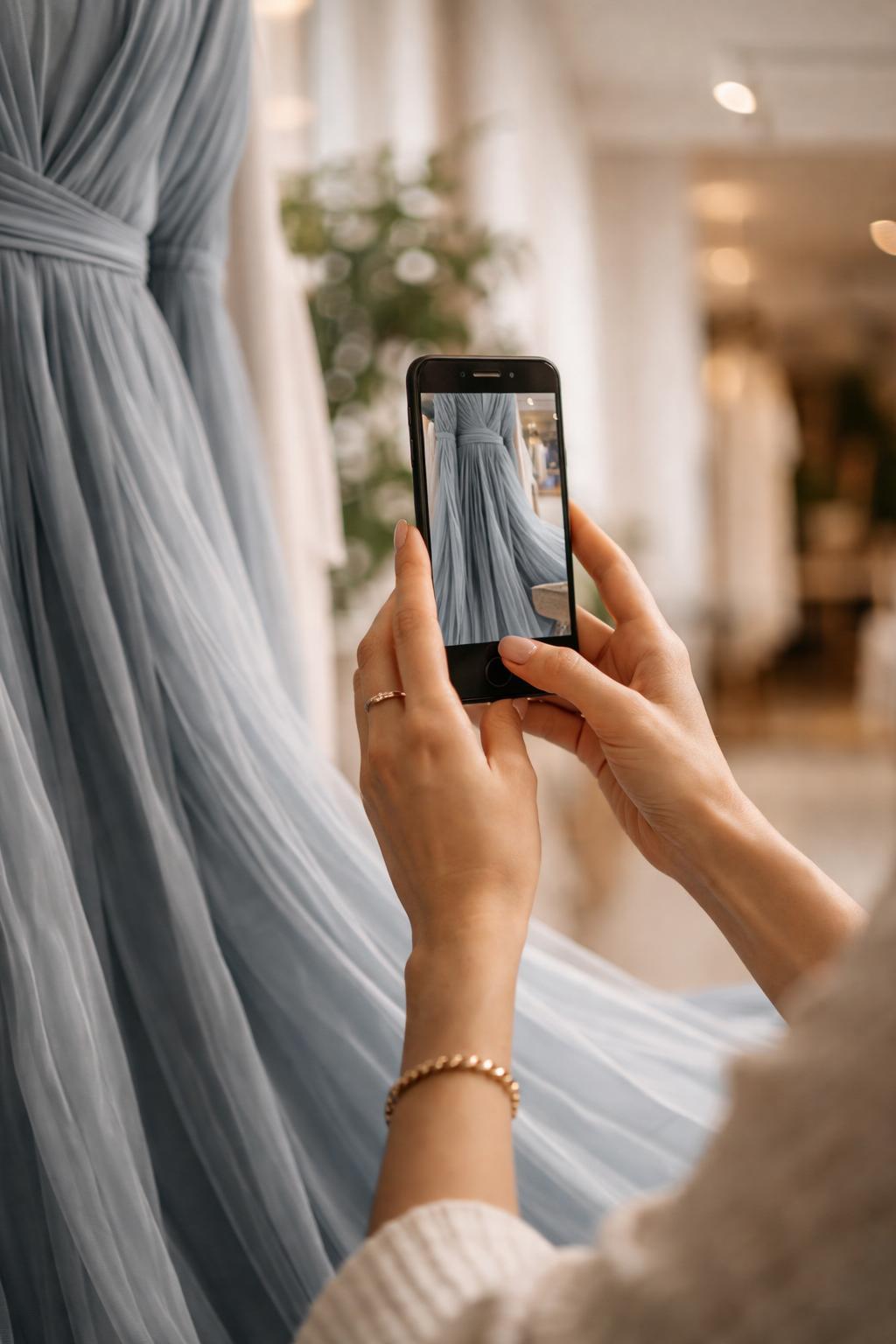
Shop what you see
Screenshots welcome
A saved post, a street-style photo, a picture you took in a shop — anything with the piece clearly in view.
Paste an image link
Found it online? Paste the image URL instead of downloading it.
Similar styles, not just exact matches
If the original is sold out or out of budget, you still get the closest alternatives.
How photo search works
Add your image
Upload a photo or screenshot, or paste an image link.
Drezily reads the details
Shape, color, pattern and texture are matched against products from every store.
Pick from the matches
Compare prices across retailers and shop the one you like.
Get better matches
Do
- Crop to the one piece you want
- Use a clear, well-lit image
- Try a second photo from another angle
Don’t
- Use a group shot with several outfits
- Upload a tiny or heavily filtered image
Frequently asked questions
Can I search with a screenshot?
Yes. Screenshots from social media, websites or messages all work.
What if the exact item isn’t available?
Drezily shows visually similar pieces, so you can still get the look — often at a better price.
Is photo search free?
Yes. Photo search is free to use.
Find it across every store, in one search.
Describe it, snap it or chat about it — Drezily searches nearly 90 retailers at once. Free for shoppers.
Follow Us


